PLAY ONLINE WITH FRIENDS
The Voice Party:
Mimic Together Game
Play online with friends. Mimic sounds,
compare scores and laugh at every take.


Online with friends · Solo practice · 2–4 on one device · iOS coming soon
A MIC. A FEW FRIENDS. ABSOLUTE NONSENSE.
No good voices required.
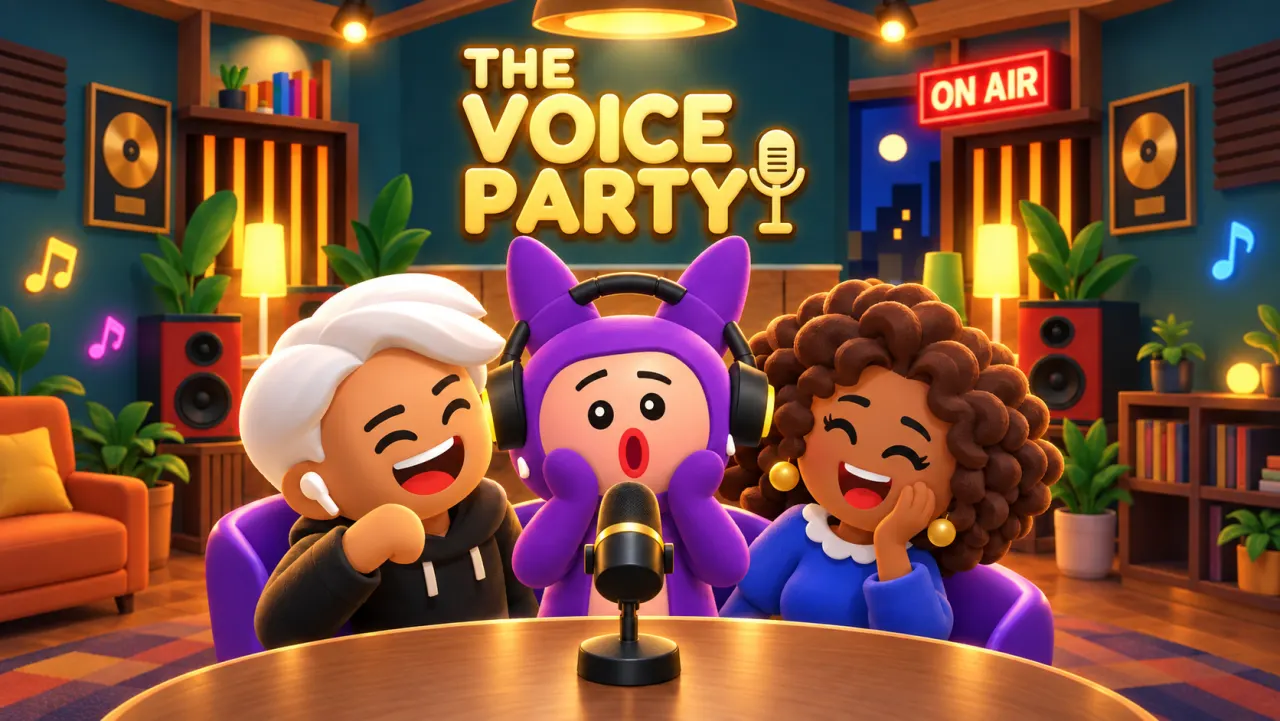
The Voice Party is a 3D sound-imitation game for Android and Windows. A score out of 100. A room full of very different takes.
- 01
Listen up.
Hear the short sound. Catch the pitch, rhythm, and ridiculous little details.
- 02
Commit to the bit.
Record your impression. Use your microphone and give the whole sound a go.
- 03
Face the score.
Hear the takes and compare results with friends online. Sharing one device? Pass it to the next player.
PULL UP A CHAIR
Your people.
Your kind of weird.
Invite friends to an online room, warm up alone or take turns with 2–4 people around one device.
ONE MORE TRY?
Almost right.
Still hilarious.
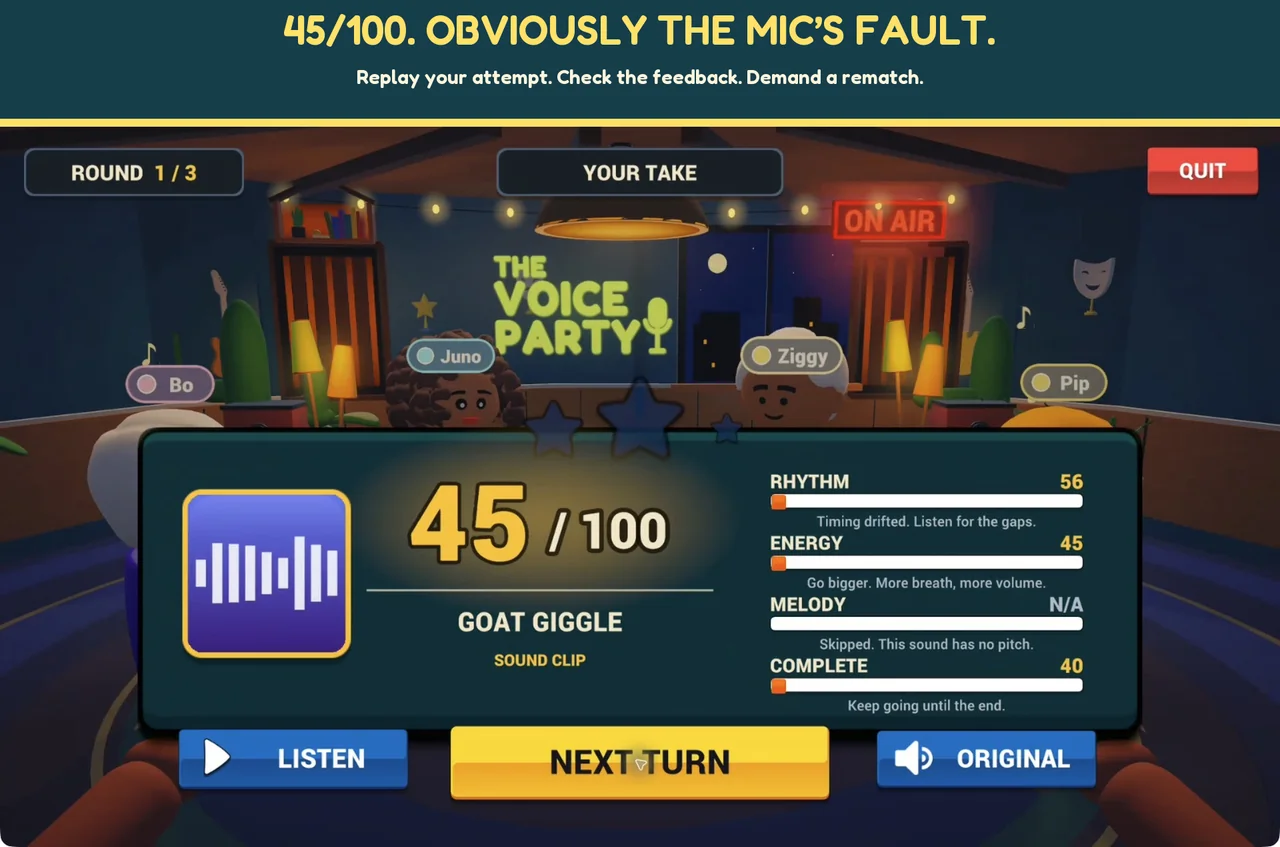
Compare rhythm, energy, melody and completeness after your recording. Practice solo, then bring your best attempt to game night.
Try Dub Studio to record lines for a scene. Make local play personal with My Packs: add short clips you own or have permission to use.
Try the free five-sound challenge ↗SAME ROOM. DIFFERENT PLACES.
Your friends.
One private room.
Host a room, share the code and bring everyone into the same sound challenge.
Private online rooms
Play together from your own devices. Everyone gets ready, the host starts the show, and the room hears your impressions.
Get the Android game ↗How to host and join →
The party on iOS
An iPhone and iPad version is planned. Join updates for availability news. No App Store release date is announced.
Keep me in the loop →FIND YOUR NEXT GAME NIGHT
Follow the sound.
Want to play Mimic Party online?
Official games, multiplayer formats, and the difference between mobile and browser play.
↗DUBBING & VOICE GAMESGames like Dub Together
Compare video dubbing with short sound-imitation challenges on Android and PC.
↗MODS & CUSTOM SOUNDSMake the sound pack yours.
Mimic Party Workshop, custom audio, and The Voice Party’s My Packs explained.
↗QUICK MIC CHECK
Before you
jump in.
Where can I play The Voice Party?
Download it for Android on Google Play or for Windows on itch.io. Check each store for current pricing, region and device availability.
Can I play with friends online?
Yes. Host a private online room, invite friends with its code and play voice challenges together. Follow our online setup guide to get everyone ready. Solo and 2–4-player local play are also available.
Is there an iPhone or iPad version?
iOS is coming soon. No App Store download or release date is announced yet. Join updates for iOS news.
Is this the original Mimic Party or Dub Together?
The Voice Party is a separate game by OMIS GAMES. Our guides link to each original developer’s official game and compare the available formats. We are not affiliated with FoliesAPP, Banani or YeahMaybe.
Can I use custom sounds?
My Packs supports your own cleared short clips for local play. Start with our free five-sound challenge. Packs made for other games are not automatically compatible. See mods and custom sounds for the differences.
Do I need headphones or a microphone?
You need a working microphone. Headphones help keep the reference sound out of your take. Try a quick test recording before the party starts. Get microphone help.
What happens to my voice?
Microphone takes are used for performance, scoring and replay. Online rooms share takes with players in that room. Read our privacy policy for details.
YOU’RE UP NEXT
Save your voice.
We’ll save your seat.
Get news about iOS, new challenges and game updates. For a party tonight, choose Android or Windows.
Choose your platform ↑