The game-night notebook
Mimic Party Mods, Workshop & Custom Sound Packs
“Mimic Party mods” can mean community sound packs, visual modifications, or unofficial modified downloads. Start with the original game’s official links so you know which kind of content you are installing.
OMIS GAMES publishes this guide and develops The Voice Party. We are not affiliated with FoliesAPP, the creator of Mimic Party.
Start with Mimic Party’s official Workshop link
The official Mimic Party Steam listing lists Steam Workshop support and links to its Workshop. Use that link to browse current community content. Read the item’s description, supported game version, required dependencies and creator instructions before adding it.
Workshop support does not mean every item is compatible with every build, officially endorsed, or free of third-party rights. A community content pack also does not establish support for arbitrary code mods.
Sound pack, mod or modified APK?
- Custom sound pack
- A collection of audio prompts in a format the game supports.
- Game modification
- A change to game content or behavior. Compatibility and installation depend on the specific game and modification.
- Modified APK
- A repackaged Android app. The filename and familiar title do not establish that it was published by the original developer.
For Android, use FoliesAPP’s official Mimic Party page; the developer does not distribute modified APKs. This website provides The Voice Party downloads and guides, not Mimic Party files.
Before using a custom pack with friends
- Check that the pack is for your exact game and game version.
- Read its installation instructions rather than assuming every game imports the same format.
- Confirm that your group has any required content before the session begins.
- Try a single sound at a comfortable volume and check that the recording completes.
- Use clips you own or have permission to use, especially when streaming or sharing replays.
How The Voice Party’s My Packs differs
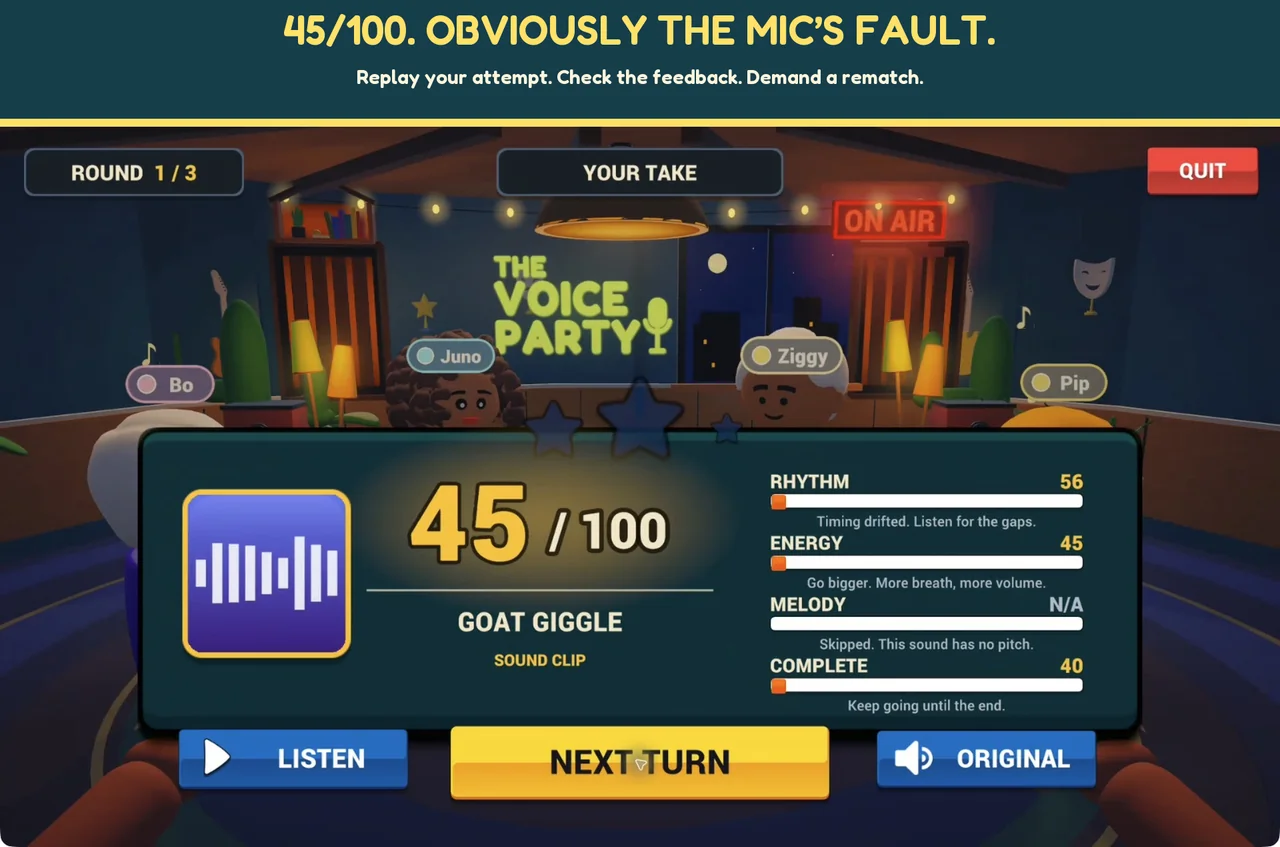
The Voice Party has its own local My Packs feature for adding cleared short clips. Those packs stay on your device and are not used in online rooms. It does not import another game’s Workshop collection by default. Start with the free five-sound challenge pack from our official itch.io page and follow the included instructions.
Add your first clip
- Open MY PACKS and choose NEW PACK.
- Select ADD CLIPS and choose audio from your device.
- Preview the sound with PLAY, choose the part you want and trim it to eight seconds.
- Check whether the preview is marked SCORED or UNSCORED, then select ADD CLIP.
- Use SOLO / PARTY for a local show with at least one scored clip, or DUB STUDIO for a dubbing session. Unscored clips can still be used for dubbing.
Ideas for your first original sound pack
Record a tiny dinosaur roar, a sleepy robot greeting, a dramatic sigh, an imaginary doorbell and a three-beat vocal rhythm. Keep each prompt short enough to remember in one listen. Give each sound a clear name and test its volume before passing the device around.
These are game-night suggestions, not a claim that those clips ship in the built-in catalog. The Mic Drop trailer also demonstrates a staged custom-sound concept rather than promising its sounds in every released version.
Does The Voice Party need a mod for online play?
No. Online play is already available in The Voice Party. Create a private room and invite friends using its code. Custom My Packs are a separate local feature. Follow the online host-and-join guide.
Sources and next steps
The official Mimic Party Steam page and The Voice Party’s itch.io page, checked 5 October 2026. For video-dubbing packs, compare Dub Together; for Android options, read games like Mimic Party on mobile.