The game-night notebook
Play The Voice Party Online With Friends
Different places. Same ridiculous sound. The Voice Party’s online mode lets friends join a private room, record their impressions and hear the results together.
Get the Android game ↗ Windows download →
From invite to first sound
- Install and check your mic. Open The Voice Party on each device. Use headphones, allow microphone access and try MIC CHECK before joining.
- Host a private room. Open online mode and choose HOST ROOM. Use COPY CODE to send the room code privately to your friends.
- Join the same room. Friends enter that code and choose JOIN CODE. Check the lobby so everyone has arrived.
- Get ready. The host chooses the show settings. Each player selects I’M READY; the host selects START SHOW when everyone is ready.
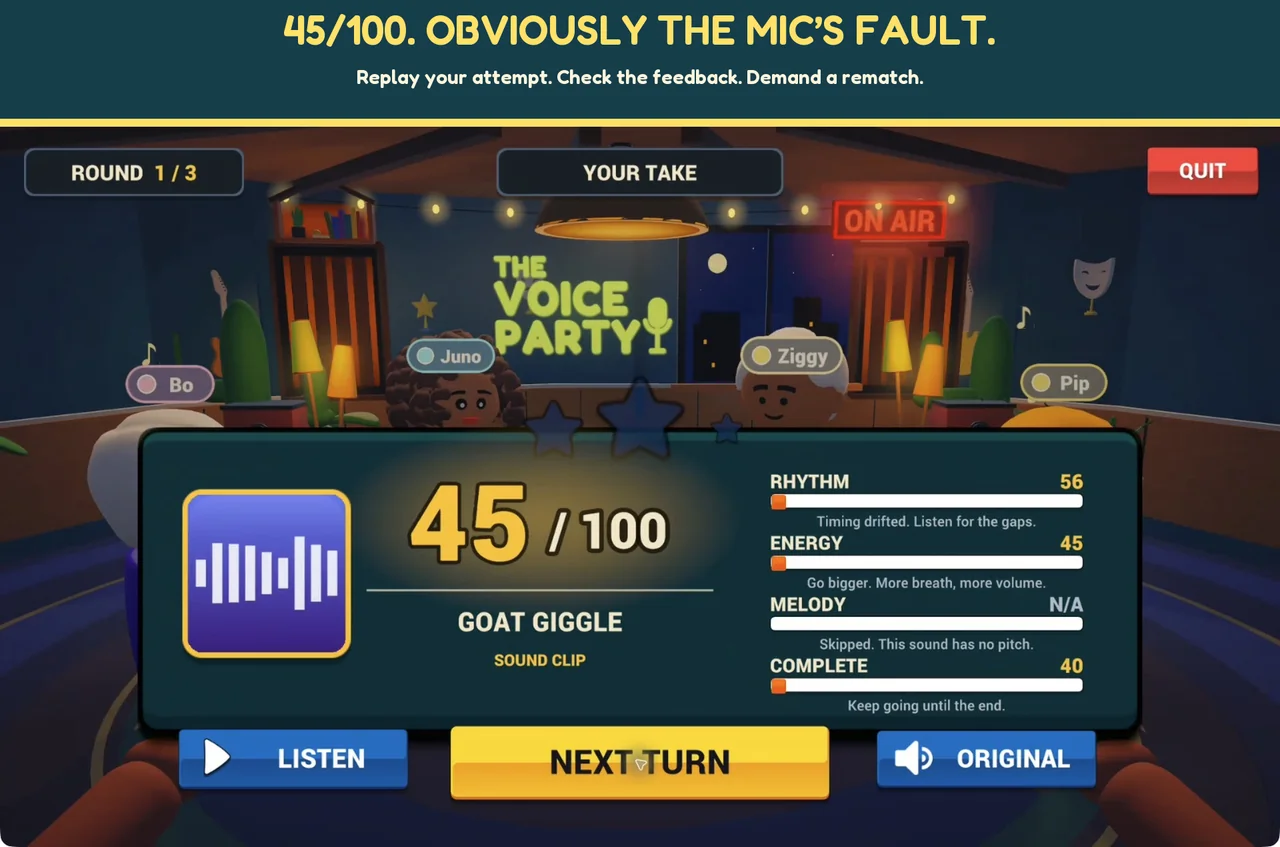
- Listen, mimic, compare. Follow the sound and recording cues, then hear the takes and compare results. Optional room voice chat is controlled separately from recorded takes.
What to have ready
Each online player needs the game, a microphone and an internet connection. Install compatible current versions before inviting friends. Check the room’s displayed capacity when planning your group. Headphones help keep reference audio and room chat out of your recording.
Can we play on one phone instead?
Yes. Local play supports 2–4 players taking turns on one device. Solo practice is also available when you want to learn a sound before bringing it to the group.
Can I use My Packs in an online room?
My Packs is a local feature for your own imported clips. Those packs stay on your device and are not used in online rooms. The host selects online show content using the room’s show settings. Learn how local packs work.
Can we talk between turns?
Optional room voice chat has its own on/off controls. It pauses for reference sounds, takes and replay. Recorded takes are heard by the players in your room. Ask before streaming or sharing another player’s voice; see our privacy policy for data details.
Room code not working?
Ask the host to copy the current code again, check that the room is still open and ensure you are using compatible game versions. If the host leaves, start a new room. For a persistent issue, send the device model, game version and steps to support, without passwords or private invitations.
Next: Android setup, streaming a voice-game night, or compare other online voice games.