The game-night notebook
Voice Party Games on Mobile: Play Online on Android
The Voice Party is an Android voice-imitation game with online play available now. Invite friends to a private room, copy short sounds and compare your takes. You can also practice solo or share one phone between 2–4 local players.
Get The Voice Party on Google Play ↗
Your first round on a phone
- Install the game from Google Play and open it.
- Connect headphones and allow microphone access when the game requests it.
- Try a solo sound: listen to the reference, record your version and replay the result.
- For remote friends, host or join an online room. For a shared-phone night, choose local play and take turns.
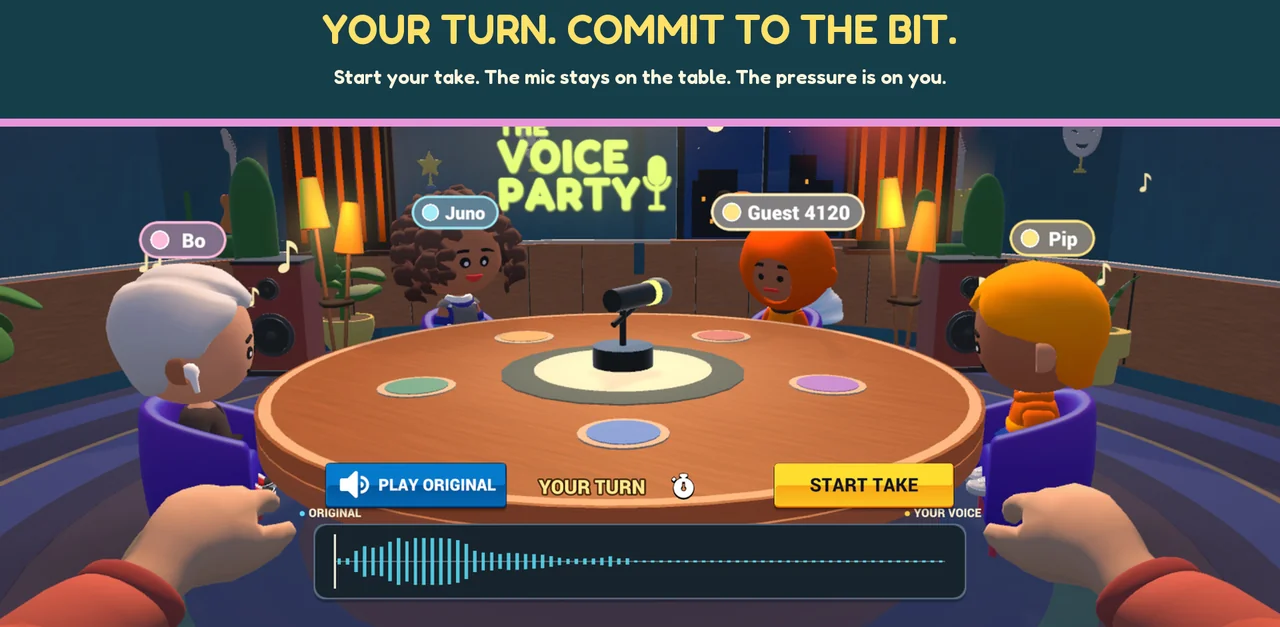
Looking for “Mimic Party play on mobile”?
The original game has an official Android release by FoliesAPP. The Voice Party is a separate choice in the same voice-party genre. Our comparison covers official platforms and the differences between online impressions, local play and dubbing.
More ways to use your voice
Dub Studio lets you choose a scene, record its lines and watch your voice take over. My Packs lets you import and trim your own short audio clips for local sessions. Custom packs stay on your device and are separate from online-room content.
See Dub Together and Android dubbing options or how to add custom sounds.
Android, iPhone and Windows availability
Android is available on Google Play, and Windows is available on our official itch.io page. iPhone and iPad are coming soon; no App Store release date is announced. This website provides downloads and guides, not a browser game.
Microphone or connection trouble?
Keep reference sounds out of your microphone, check the selected input and microphone permission, and make sure friends use compatible current game versions. Our support guide covers room joining and microphone checks.