The game-night notebook
How to Play a Voice Imitation Party Game
A voice imitation game turns one sound into a room full of different performances. You do not need to be a singer or voice actor to enjoy it.
Listen first
Pay attention to how the sound begins and ends. Notice its rhythm, energy, and changes in pitch. The funniest detail might be a pause or a dramatic final syllable.
Make your version
Wait for the recording cue, speak toward the microphone, and follow the whole sound. Keep a comfortable volume. Shouting usually makes a recording harder to hear rather than more convincing.
Hear the takes
Replay is part of the fun. A game may use computer judging, group votes, or another scoring format; check its own instructions. Treat an imperfect impression as a performance to enjoy, not a reason to embarrass another player.
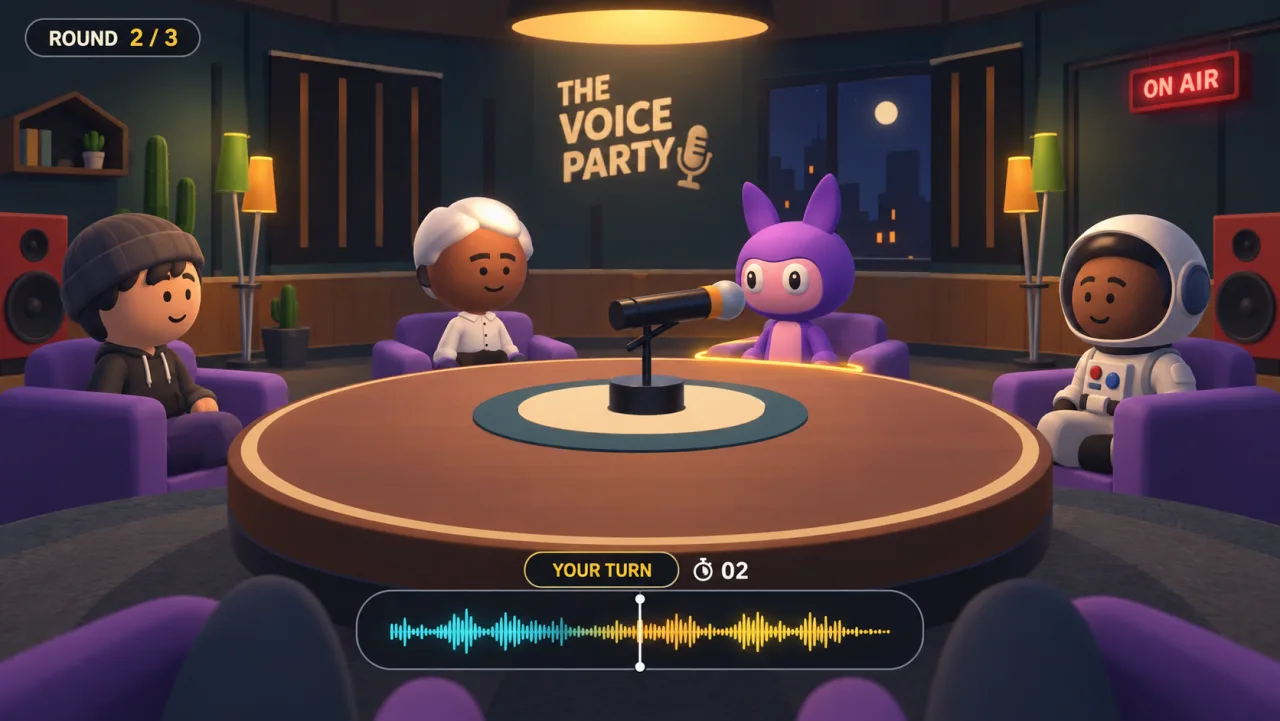
Set up your microphone
- Use headphones so the reference does not feed back into the microphone.
- Allow microphone access only when you are ready to record.
- Try a short recording and listen to the replay before a full show.
- Keep the microphone a consistent distance from your mouth.
- On a shared device, make the handoff clear so the next player knows when to start.
Choose a format for your group
Simultaneous impressions, solo practice, and taking turns all feel different. Read our Mimic Party comparison or Choicer Voicer guide to understand available Android/desktop options and online and local modes.
Keep the night comfortable
Let people skip a sound, lower the volume, or take a break. Ask before recording or sharing anyone’s voice outside the game. Need help with your setup? Visit support.